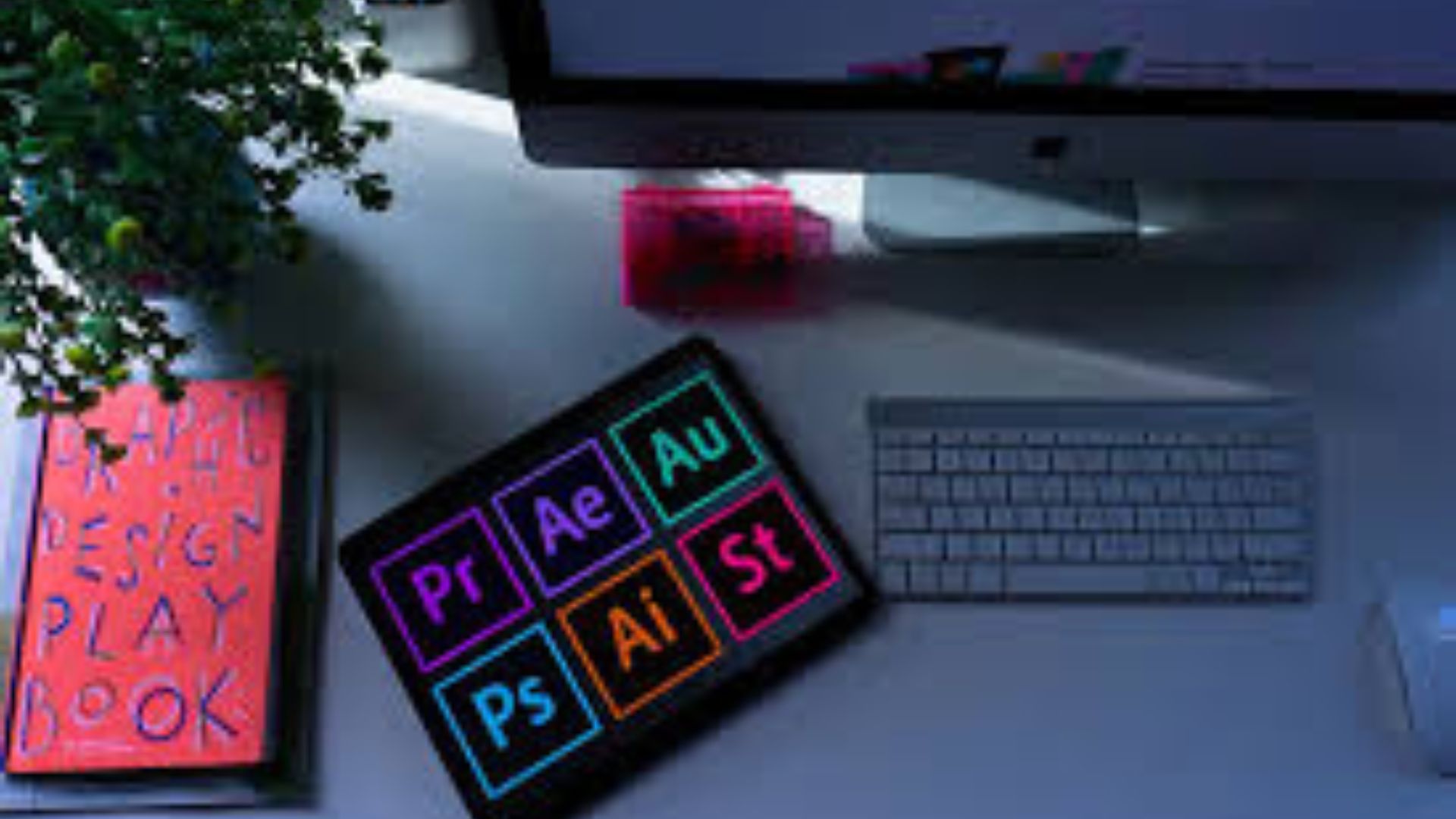
Essential Print Design Tools Every Creative Professional Should Master.

Designers who want to produce professional marketing materials must rely on the right tools. From brochures to packaging, software plays a critical role in delivering polished results. Therefore, understanding the best programs for Essential Print Design helps designers work efficiently and creatively.
In this article, you will explore the most important Essential Print Design tools every creative professional should master and how they support high-quality production.

Why Essential Print Design Software Matters for Professionals
Print projects require precision, color accuracy, and layout control. Unlike digital graphics, printed materials demand careful handling of resolution, bleed settings, and CMYK color modes. As a result, designers must use specialized tools built specifically for print production.
Essential Print Design software ensures that layouts remain sharp and properly formatted. Moreover, it allows designers to export print-ready files without technical errors. When you use professional tools, you reduce costly printing mistakes and maintain brand consistency.
Adobe InDesign: The Backbone of Print Design
Adobe InDesign stands as one of the most powerful layout tools available. Designers use it to create magazines, brochures, flyers, and books. Because it offers advanced grid systems and typography controls, it supports complex multi-page layouts with ease.
Additionally, InDesign integrates smoothly with other Adobe products. You can import images from Photoshop or vector graphics from Illustrator without losing quality. For Essential Print Design projects that involve large documents or detailed formatting, this software delivers unmatched flexibility.
Adobe Illustrator
Vector graphics play a vital role in print projects. Logos, icons, and illustrations must remain crisp at any size. Therefore, designers rely on Adobe Illustrator to create scalable artwork.
Illustrator provides precise drawing tools and advanced color management features. Furthermore, it allows designers to prepare files with proper bleed and trim marks. When working on Essential Print Design materials such as posters or packaging, Illustrator ensures clean and sharp output.
Adobe Photoshop: Perfecting Images for Print
While Illustrator focuses on vectors, Photoshop specializes in image editing. Designers use it to adjust lighting, correct colors, and enhance photo quality before sending files to print.
High-resolution images are crucial for professional printing. Consequently, Photoshop enables designers to work at 300 DPI and in CMYK mode. By refining images before placing them into layouts, you elevate the overall quality of Essential Print Design projects.
CorelDRAW: A Strong Alternative for Essential Print Design
CorelDRAW remains a popular choice among many print professionals. It offers powerful vector tools and page layout capabilities in one platform. Because of its user-friendly interface, many beginners find it easier to learn.
In addition, CorelDRAW handles large-format print projects effectively. Designers working on banners, signage, or promotional materials often prefer it. As part of Essential Print Design workflows, this software delivers reliable results.
Affinity Designer and Publisher: Affordable Yet Powerful
Not every designer wants subscription-based software. Therefore, Affinity Designer and Affinity Publisher offer cost-effective alternatives. These tools provide strong vector editing and layout features at a one-time purchase price.
Despite their affordability, they support professional print settings such as bleed, crop marks, and CMYK profiles. For freelancers and small businesses, these programs can handle Essential Print Design tasks without sacrificing quality.
Choosing the Right Software for Your Needs
Every designer works differently. Some focus on branding, while others specialize in editorial or packaging design. Consequently, selecting the right software depends on your project requirements.
If you create multi-page documents, InDesign may suit you best. However, if you design logos and illustrations, Illustrator might be your primary tool. Meanwhile, photographers often depend on Photoshop for image perfection.
Evaluate your workflow carefully. Consider integration, budget, and learning curve before making a decision. By choosing wisely, you strengthen your design capabilities.
Conclusion
Professional printing demands accuracy, creativity, and technical knowledge. Therefore, mastering Essential Print Design software gives you a competitive advantage in the design industry.
When you combine layout tools, vector programs, and image editing software, you create polished and print-ready materials with confidence. As technology continues to evolve, designers who invest in the right tools will consistently deliver outstanding results.